Ward Documentation
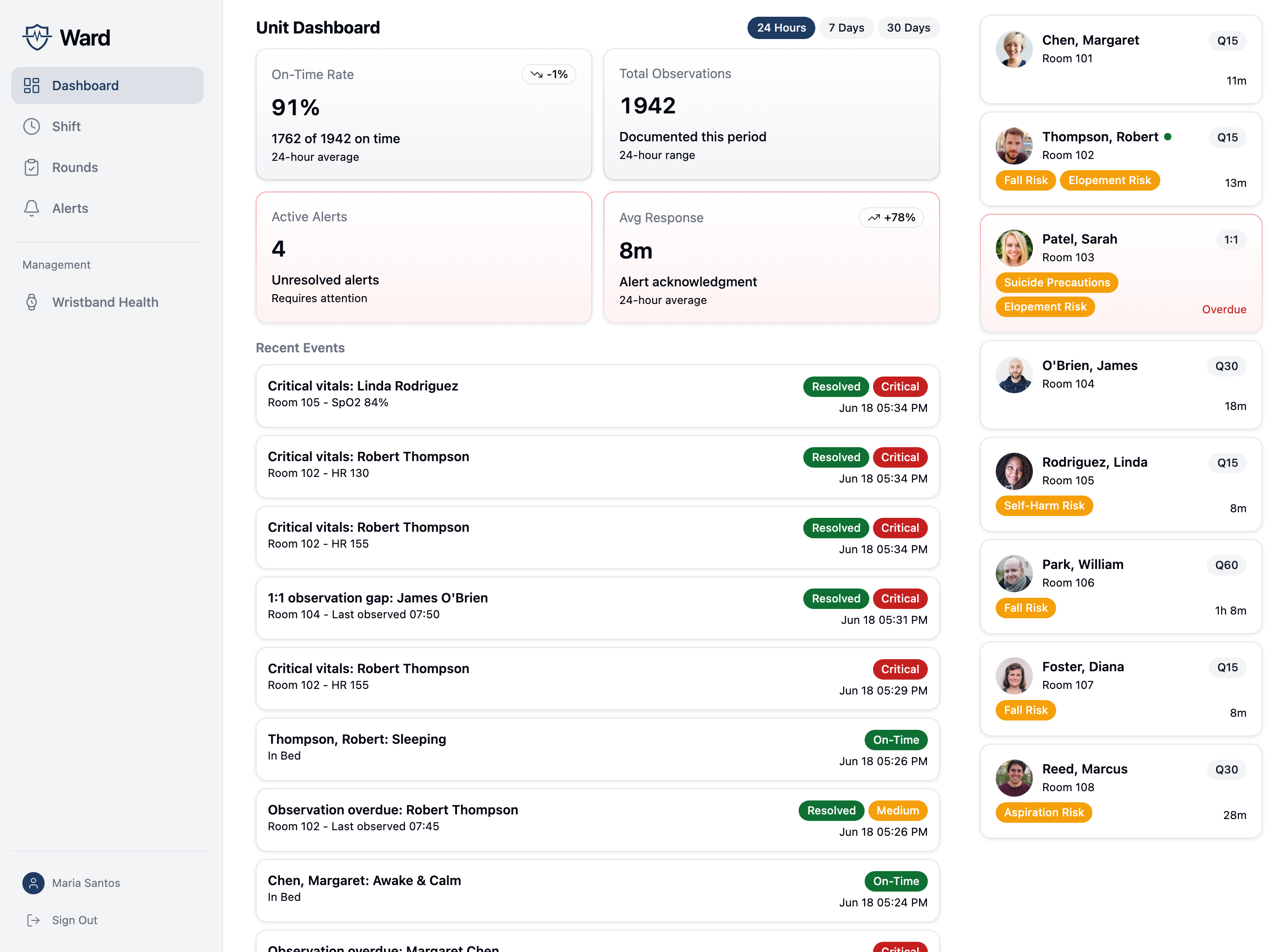
Ward is a patient observation documentation system with proximity verification for healthcare facilities. It helps clinical staff document patient observations with proof of physical presence, manage alerts and escalations, and stay on time with observation protocols.
Who This Documentation Is For
- Facility IT administrators setting up and configuring Ward
- Clinical leadership understanding how the system supports patient safety workflows
- Integration teams connecting Ward to EMR systems and sensor hardware
Key Features
Proximity-Verified Observations
Staff document patient observations with automatic verification that they were physically present. A staff device scans for nearby patient wristbands and calculates distance to confirm proximity before accepting an observation.
Real-Time Alerting
When observations become overdue or vitals fall outside safe ranges, Ward creates alerts that escalate through the chain of command until acknowledged.
Shift Management
Charge nurses manage shift assignments, staff view their patient assignments, and handoff notes carry forward between shifts.
EMR Integration
Observations, vitals, and assessments sync bidirectionally with hospital EMR systems. Patient census updates flow from the EMR to Ward via ADT messages.
Environment of Care Rounds
Staff complete inspection checklists at locations throughout the facility, with issues automatically generating work orders.
Analytics & Reporting
On-time rate trends, observations by shift and staff, alert response times, and staff performance rankings — all exportable as CSV.
Offline Support
Observations and vitals queue locally when network connectivity is lost and sync automatically when the connection returns.
Audit Log
Comprehensive logging of all patient data access, observations, alerts, and staff actions for HIPAA compliance and incident review.
Getting Started
If you're setting up Ward for the first time, start with the Getting Started guide.
For existing installations, jump to:
- Configuration - Facility, unit, and patient settings
- Clinical Workflows - How observations, alerts, and assessments work
- Integrations - EMR and sensor setup